
1Camera roll → shortlist
Add the whole roll.
Drop in the photos from one day or trip — up to 20 per project, or 50 on Pro. No sorting first.
Choose how many you want. Rove suggests a shortlist; swap any photo you’d rather keep.
Rove picks your best photos, helps you edit them and puts your next post together.
 1 · Cover
 2
 3
 4
 5
 6
 7
 8
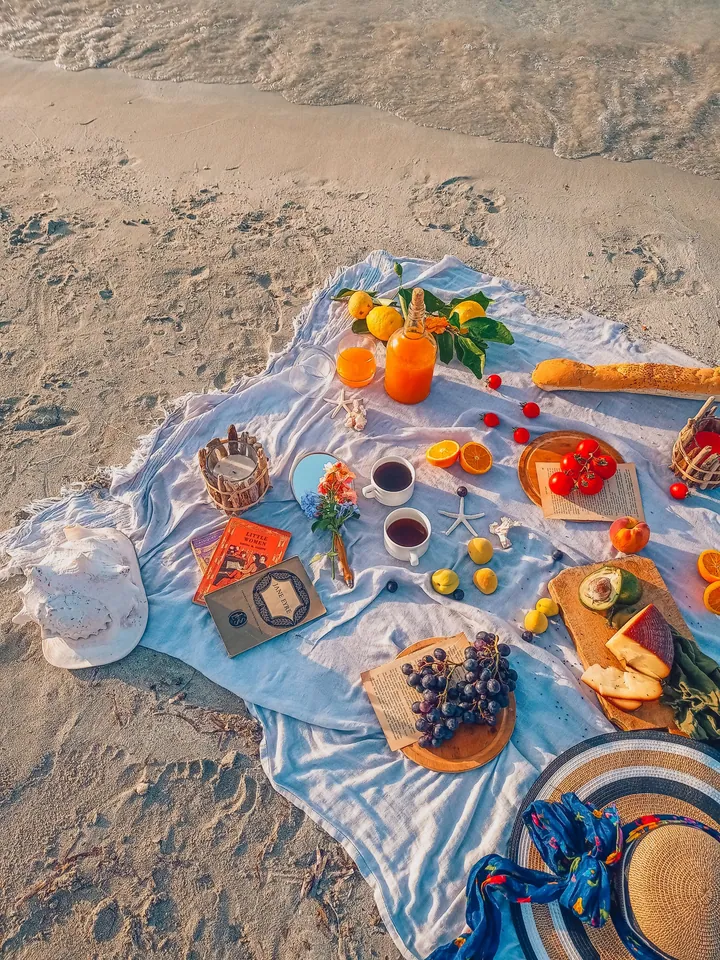
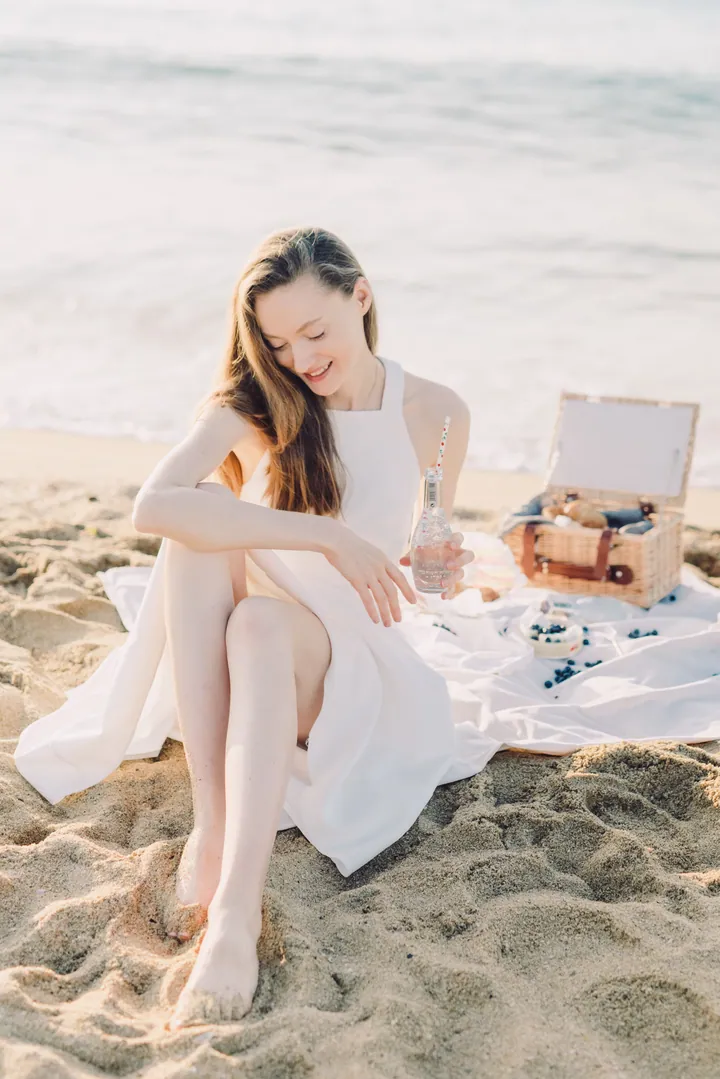
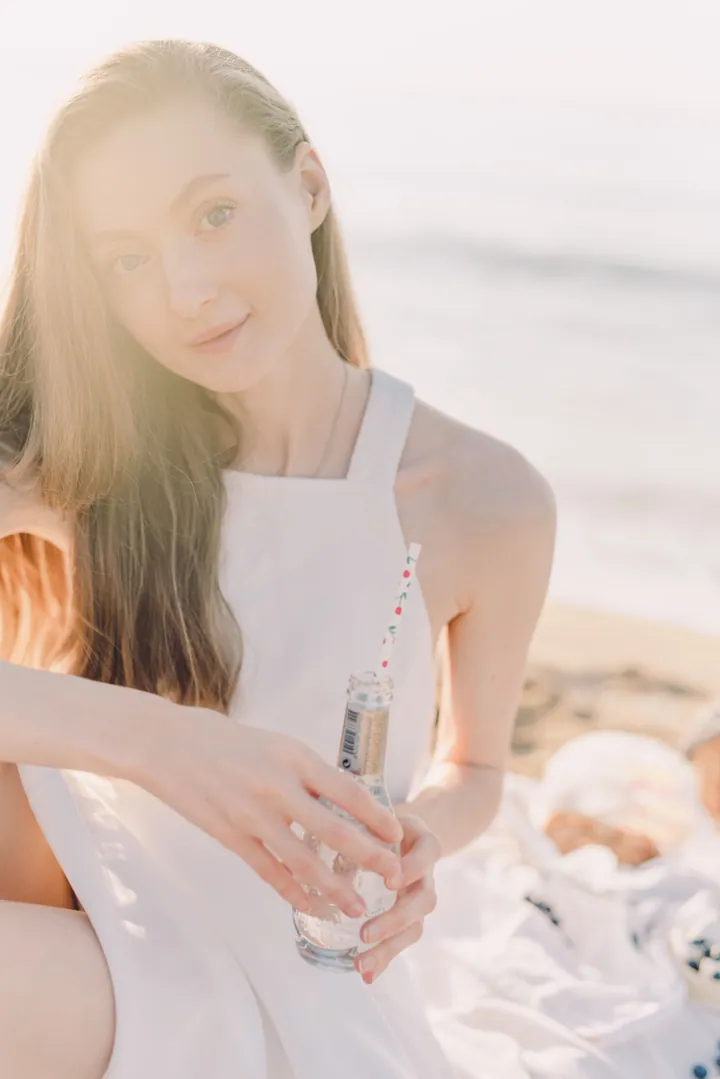
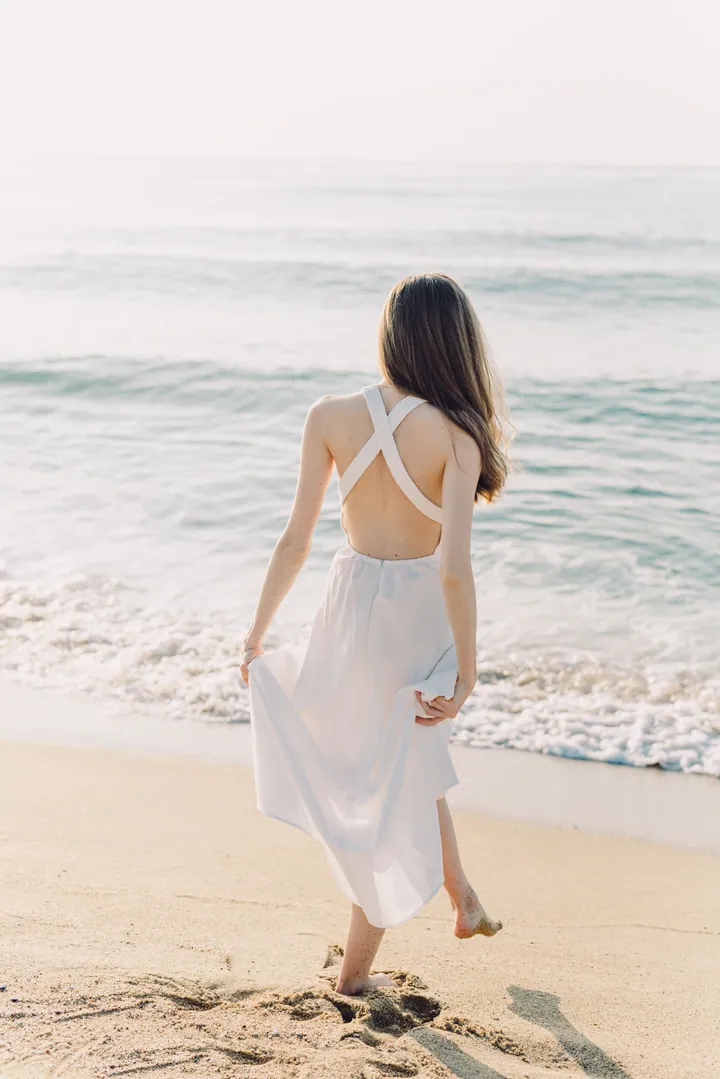
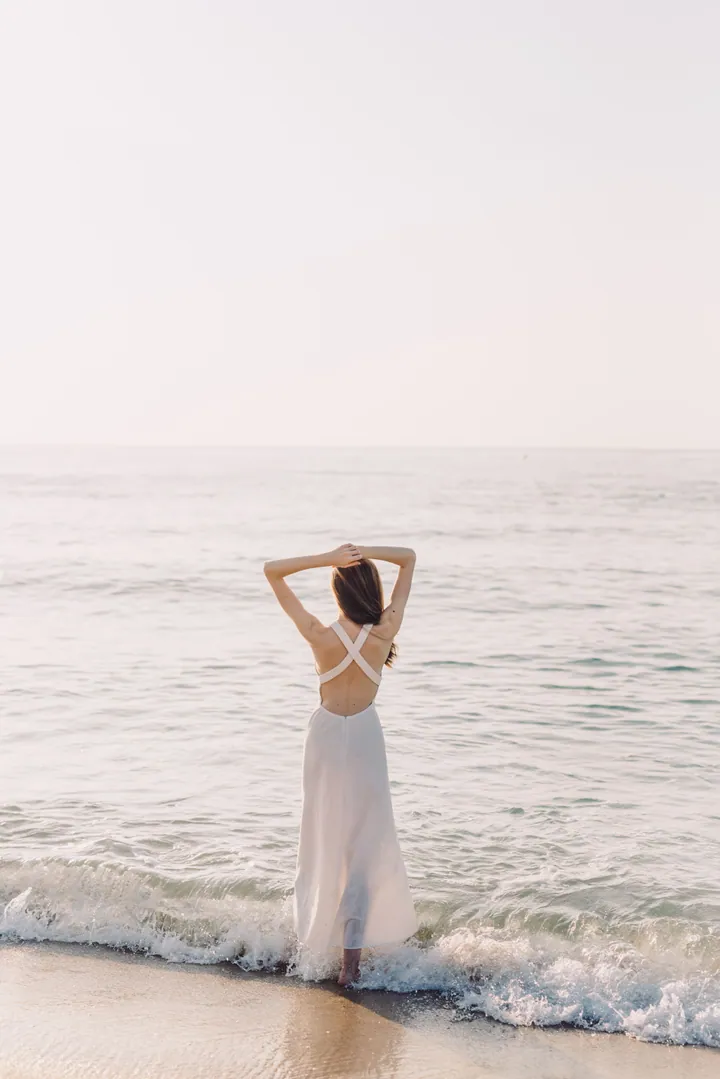
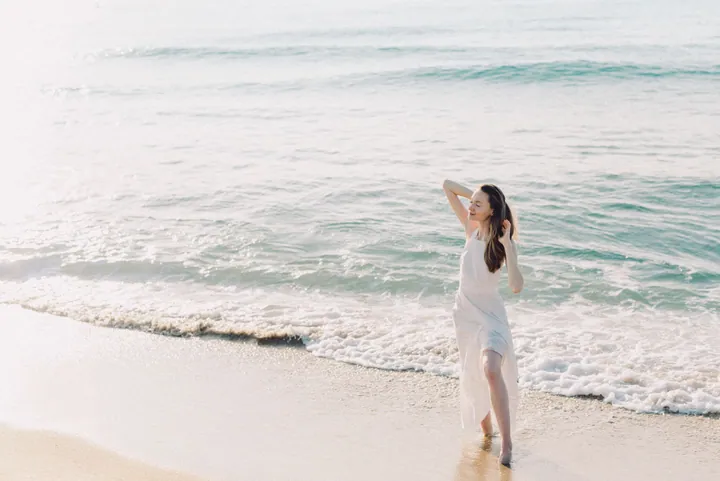
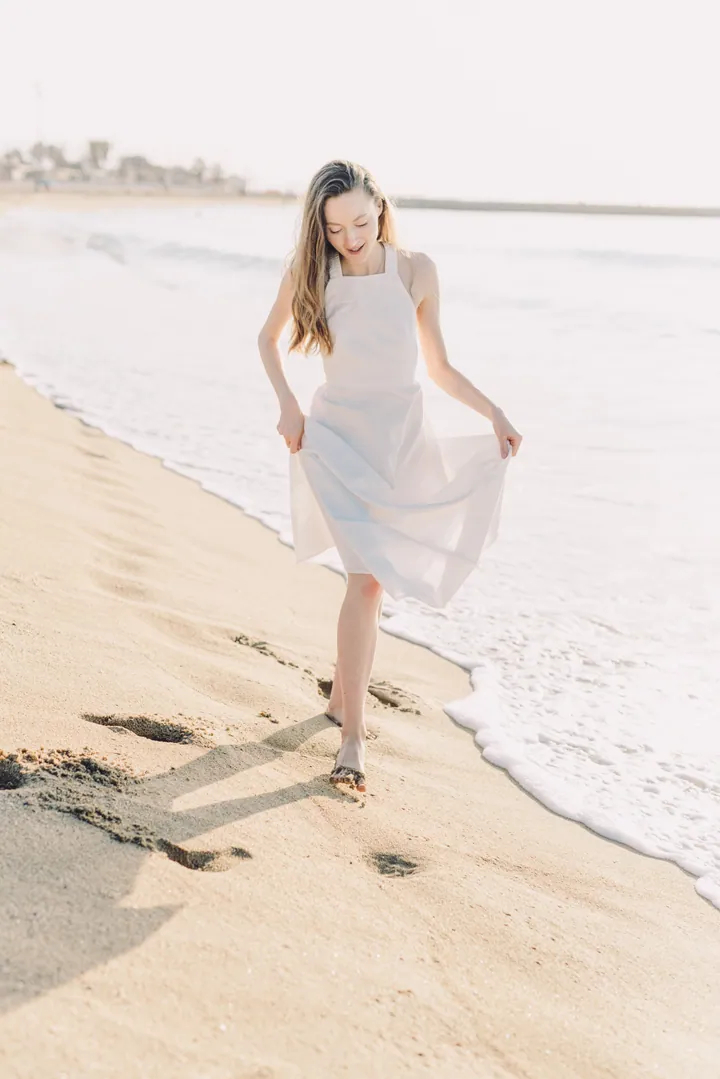
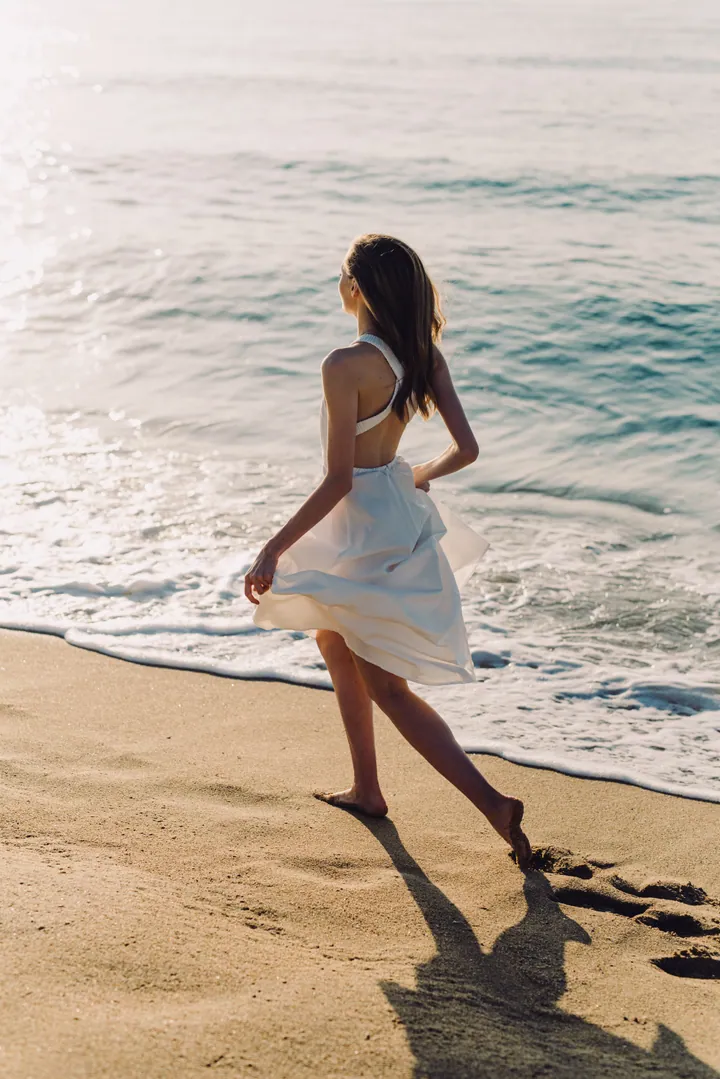
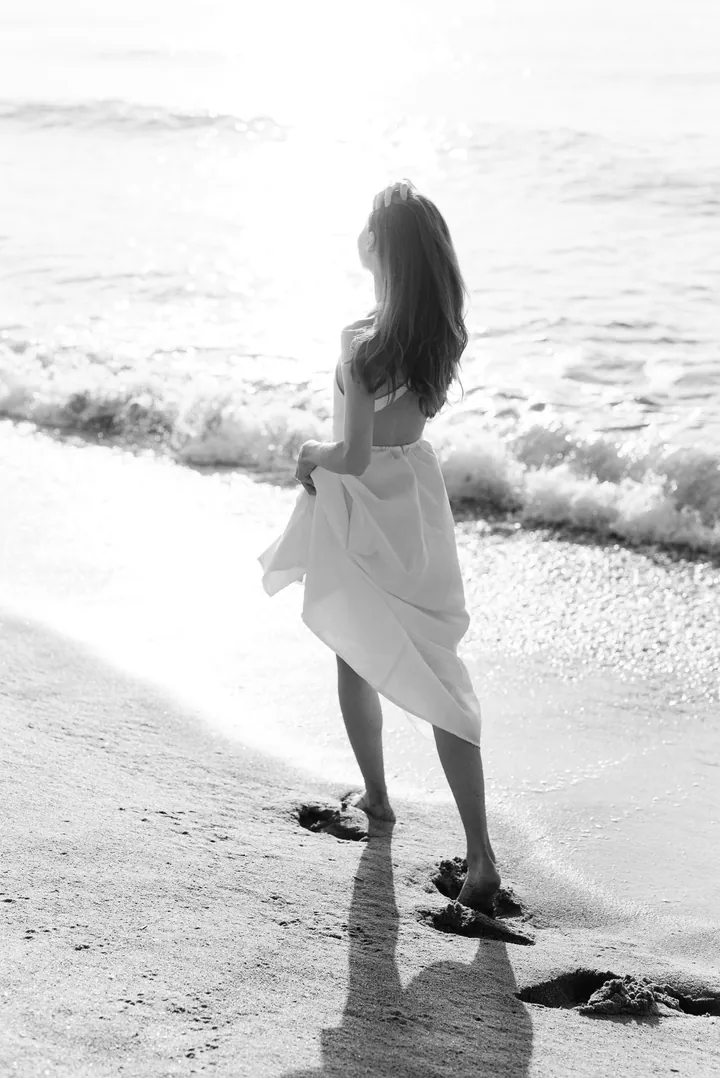
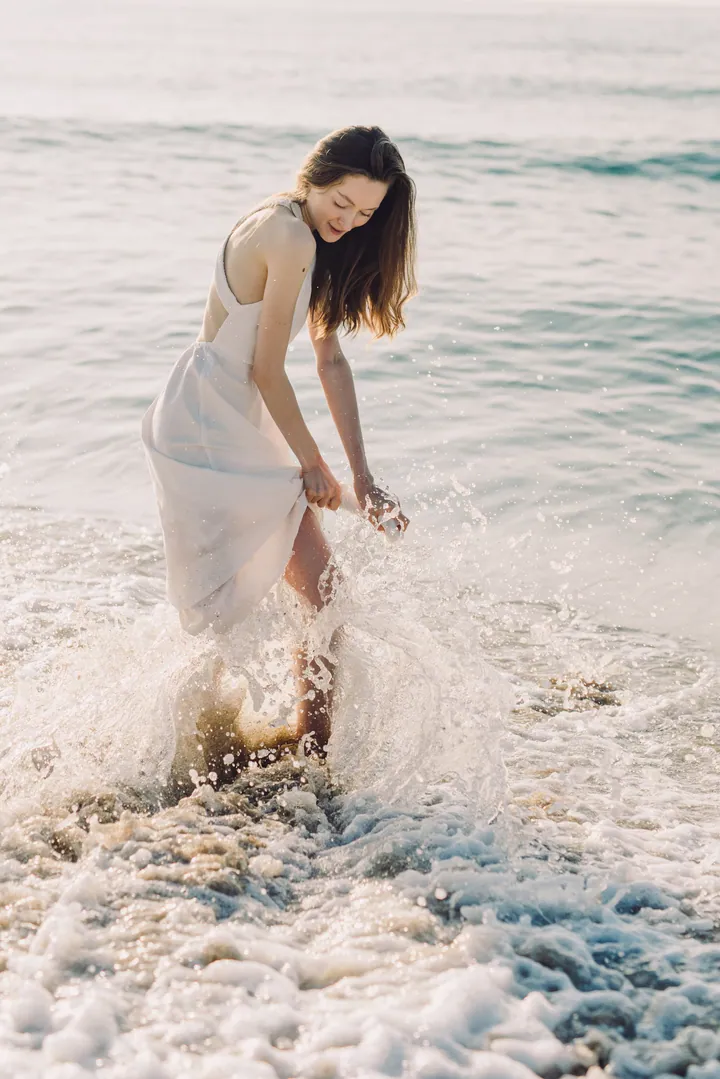
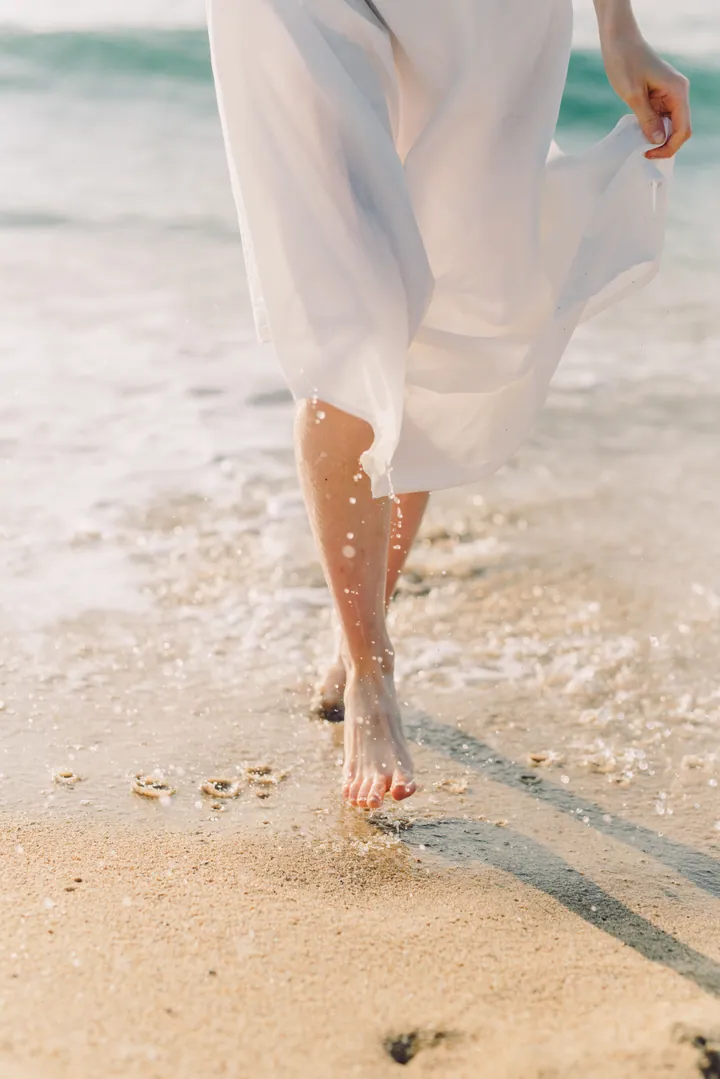
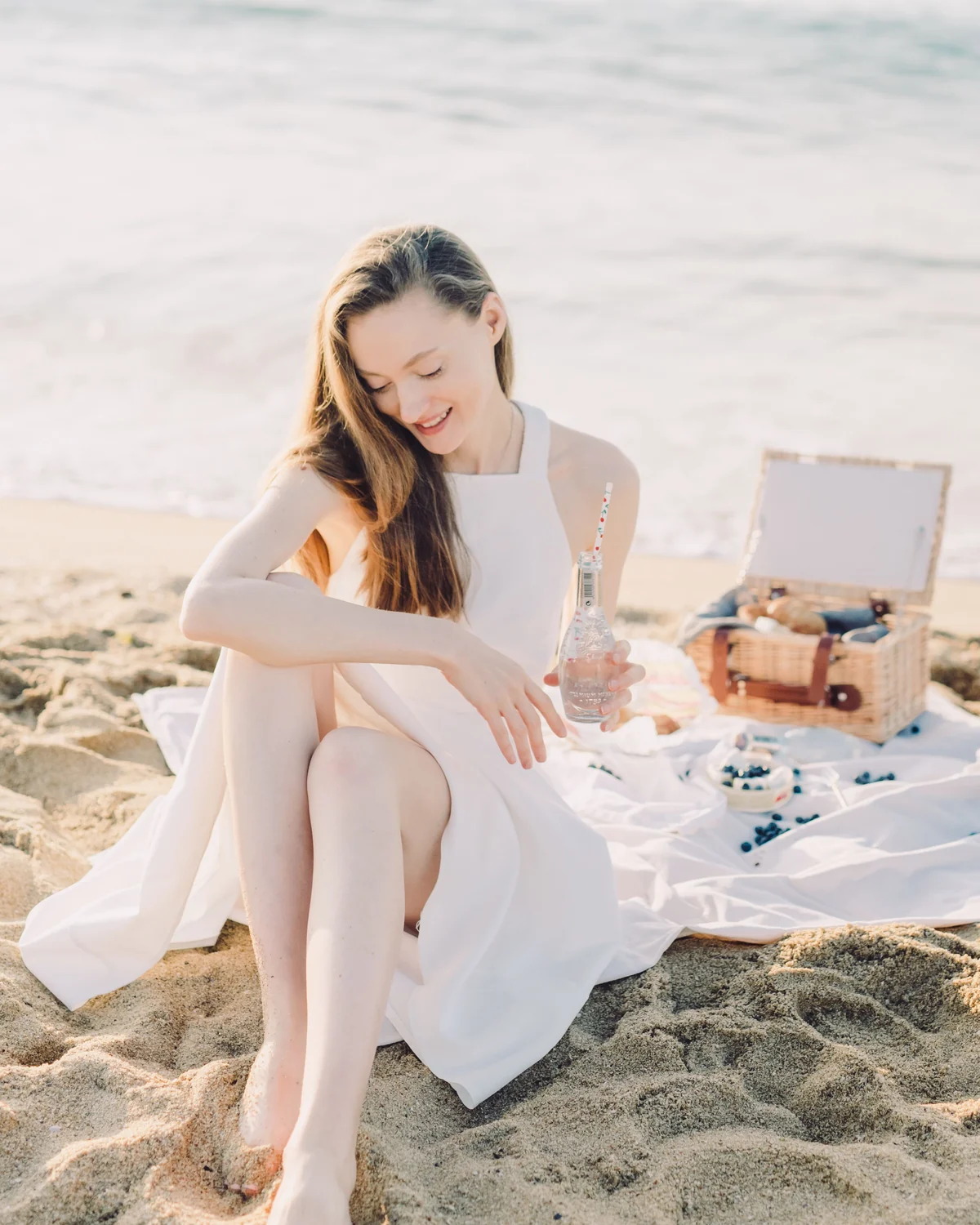
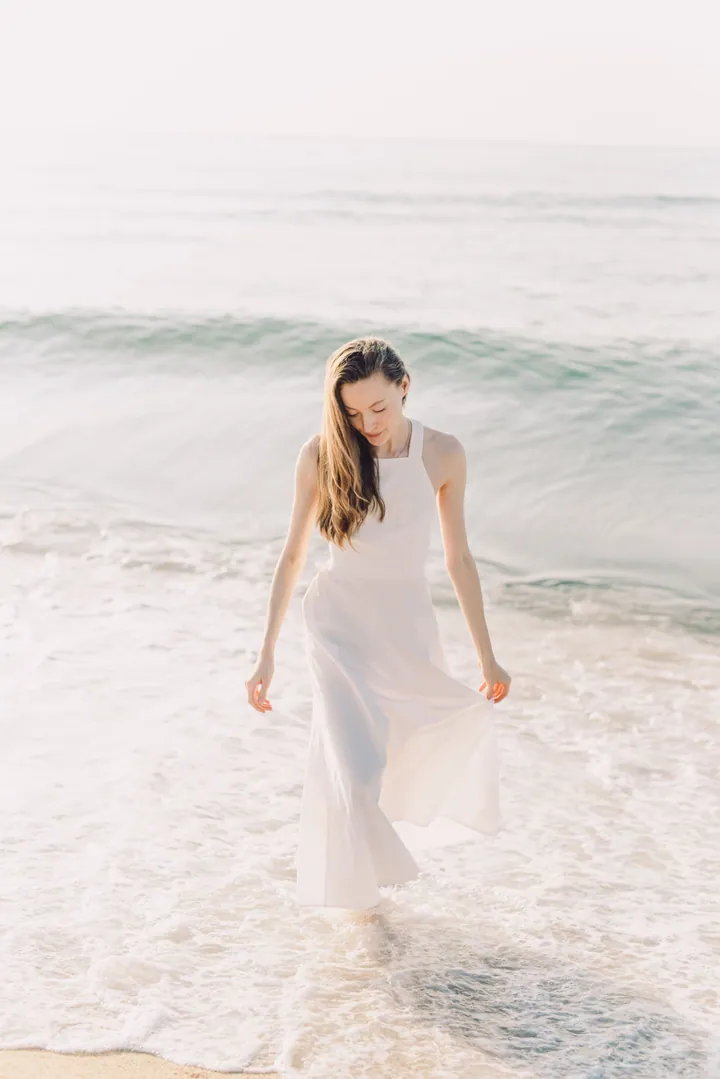
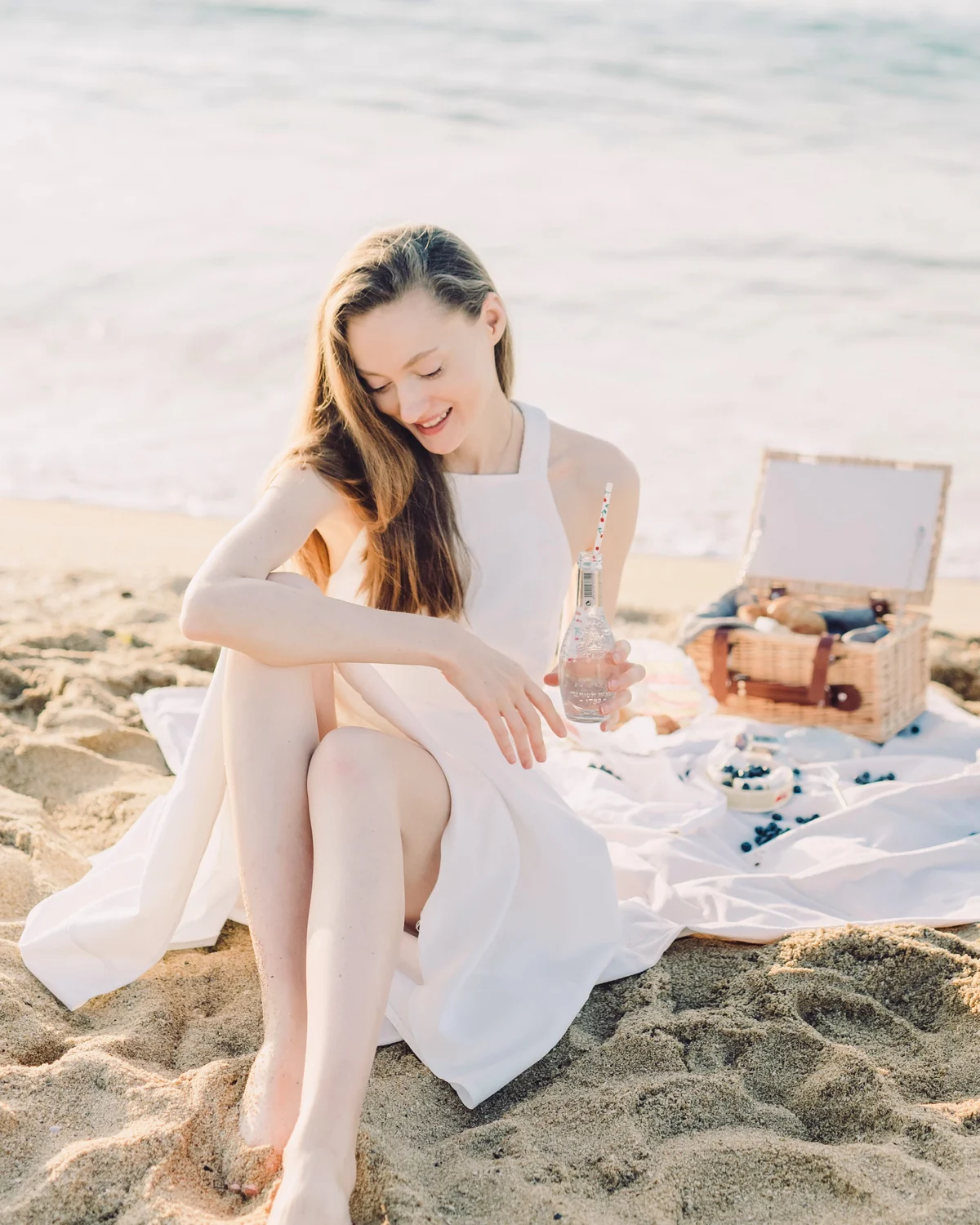
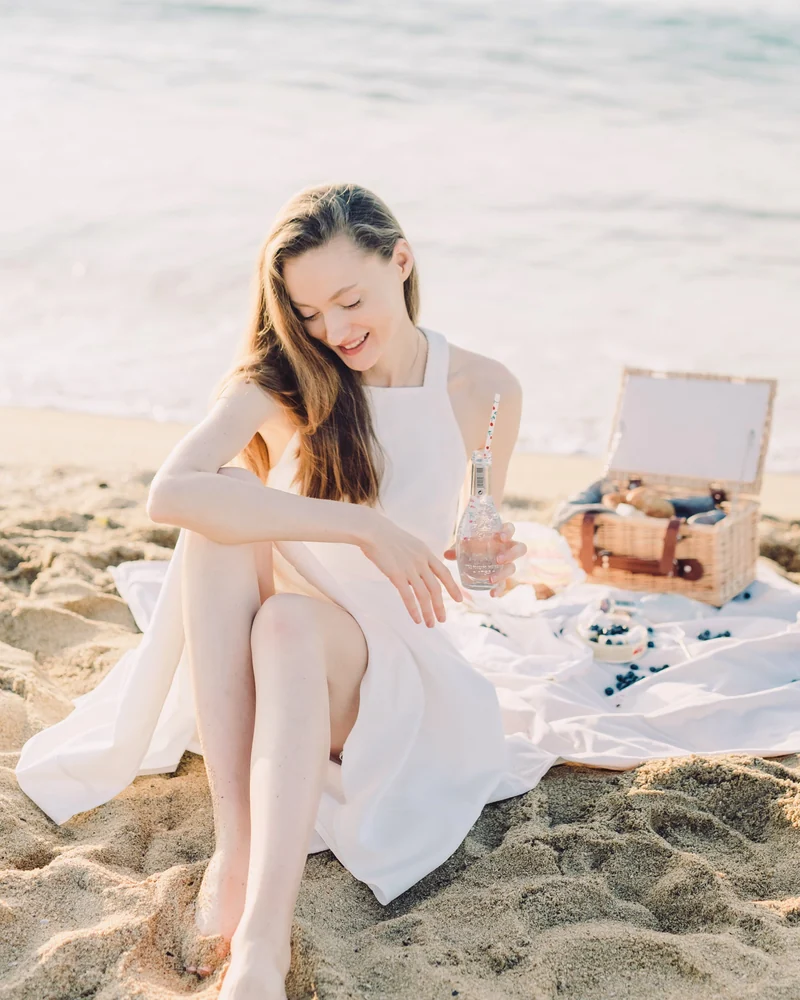
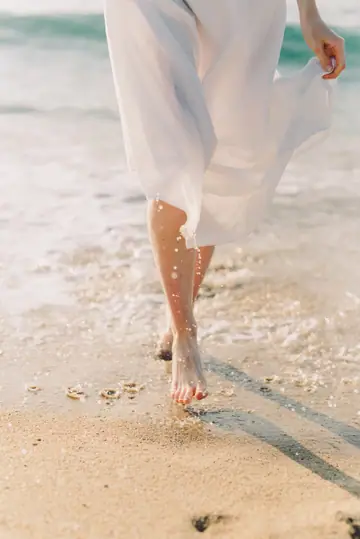
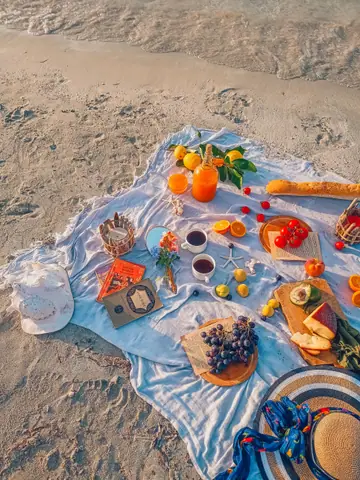
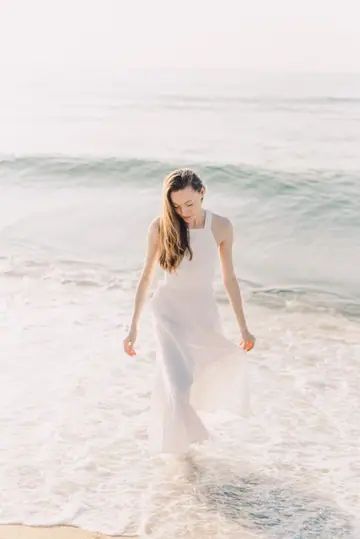
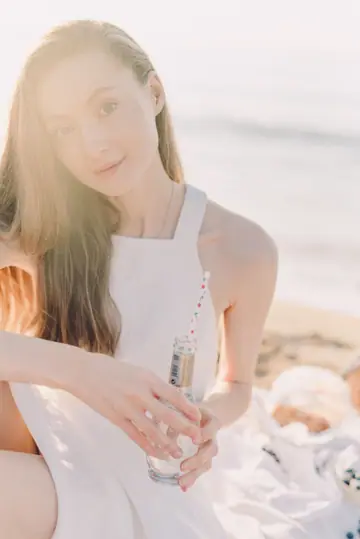
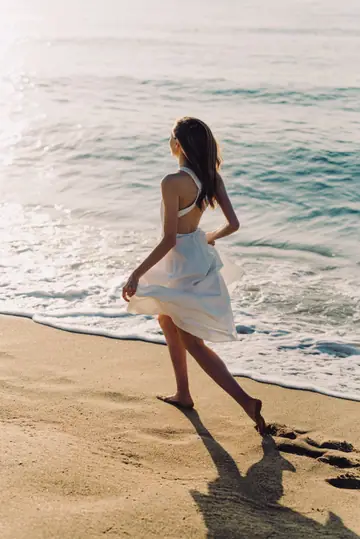
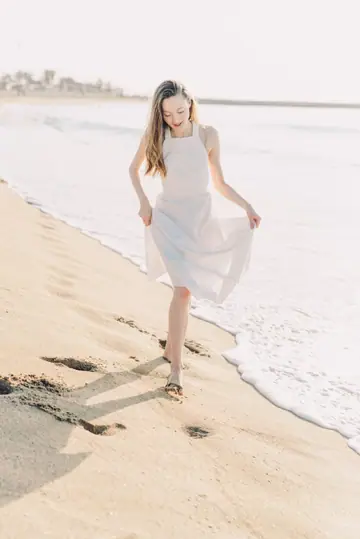
The post, in order: 1. Woman in a white dress sitting on the sand beside an open picnic case, smiling down 2. Two iced drinks with paper straws on a wooden tray, sand behind 3. Detail of the white dress and bare feet at the waterline 4. A picnic laid out on a blanket by the water: oranges, bread, tomatoes, grapes, coffee and two paperbacks 5. The woman walking through the surf toward the camera 6. Close portrait of the woman in soft morning light, a glass in her hand 7. The woman stepping into the water, glancing back over her shoulder 8. The woman walking toward the camera along the shoreline, holding her dress
Sample photos. Rove’s real picks for this roll; the polish is Rove’s real output.
The hard part is choosing. Rove does that first, then helps you put the post together.
1Camera roll → shortlist
Drop in the photos from one day or trip — up to 20 per project, or 50 on Pro. No sorting first.
Choose how many you want. Rove suggests a shortlist; swap any photo you’d rather keep.
Try it: choose how many, tap a photo, then swap it, make it the cover or move it.
Tap a photo to change it.
2Arrange
Rove suggests an order, cover first. Drag, use the arrows, or tap a number to bring a photo to the front.
3Finish
One click enhances every photo at full resolution. Then a short caption and an optional song, and a download numbered in order.
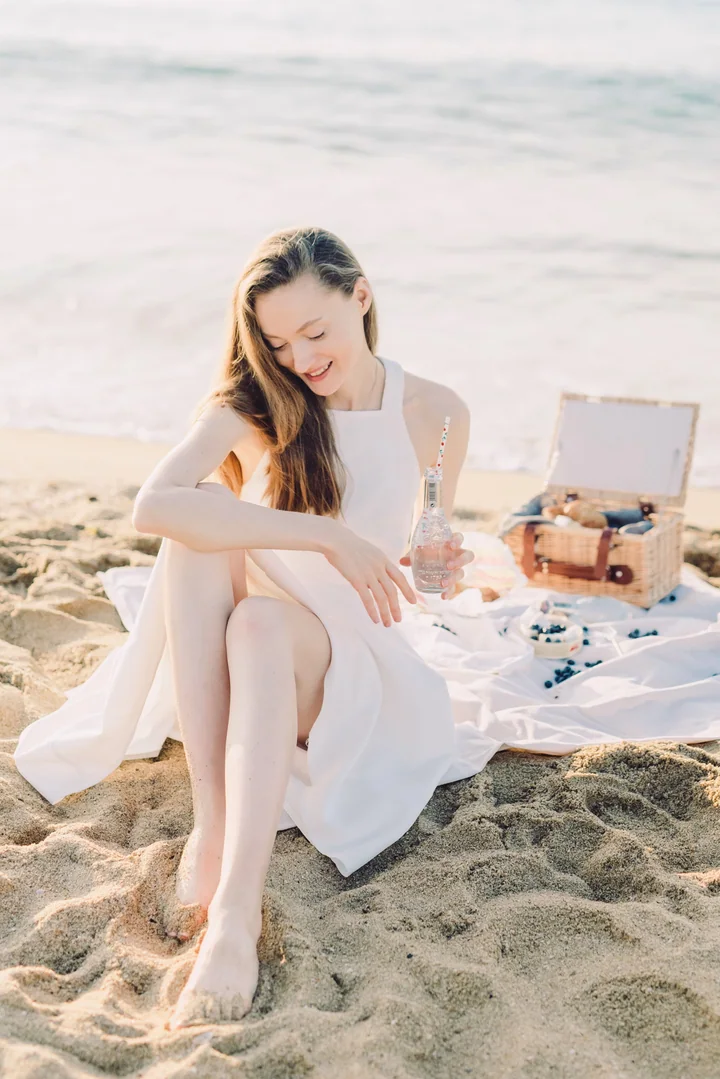
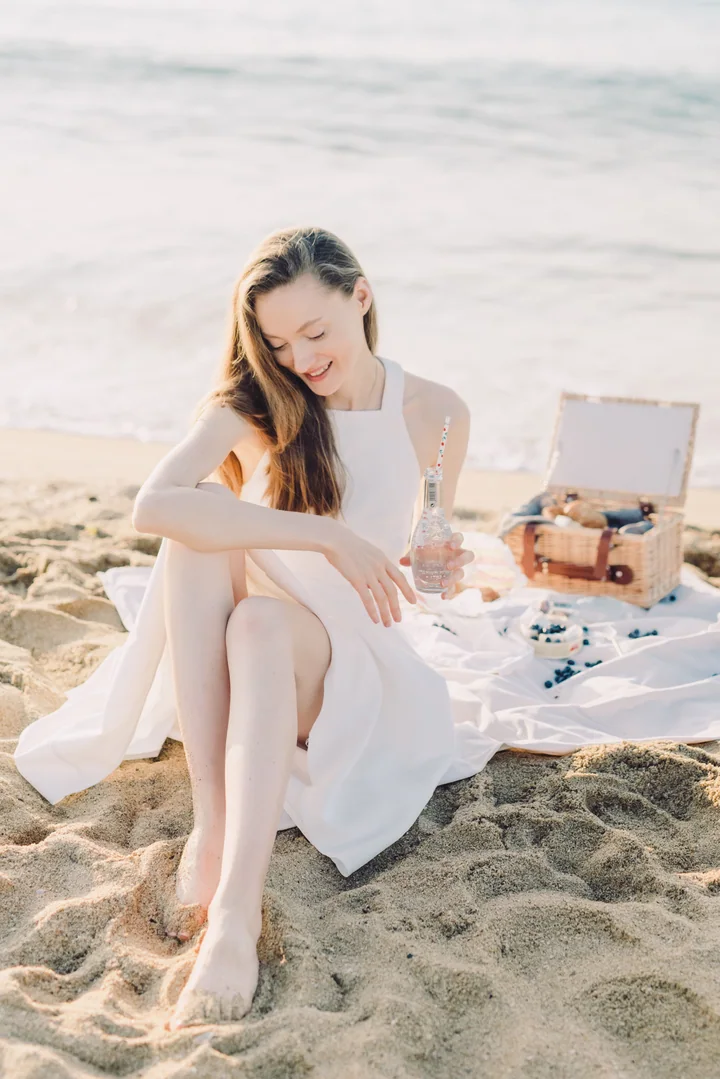
Sample photos. The After is the same original file through Rove’s one-click Enhance (no finish, no manual changes), same crop and size; drag the handle to compare. The caption and song come from Rove’s built-in library and song list.
Both plans pick, arrange and finish your post. Pro takes bigger projects.
Everything you need for your next post.
₹0forever
No card needed.
Per project
Up to 20 uploaded photos per project
Each month · resets monthly
Account storage
For bigger trips and more posts.
₹49per month
Billed monthly. Proposed price. Tax treatment is being finalised before Pro goes on sale.
Per project
Up to 50 uploaded photos per project
Each month · resets monthly
Account storage
Pro isn’t available to buy yet. Start on Free — your projects carry over.
Sign up freeWhy upgrade? Pro gives you 50 photos per project instead of 20, 10 new projects a month instead of 2, 200 saved edits a month instead of 15 and 10 GB of storage instead of 1 GB.